
Get straight to the Health Library services your need

 You can access a wealth of healthcare-based resources as well as a range of specialist services from the Health Library website.  These are specially developed to support your studies, research, work and professional development.

Use Quick Links to get to the services you need straight away

We’ve created handy lists of the key services our main user groups will need. So, if you need to get straight to a particular service check the Quick Links list on the home page for Keele Students, NHS Staff and Keele Academics.
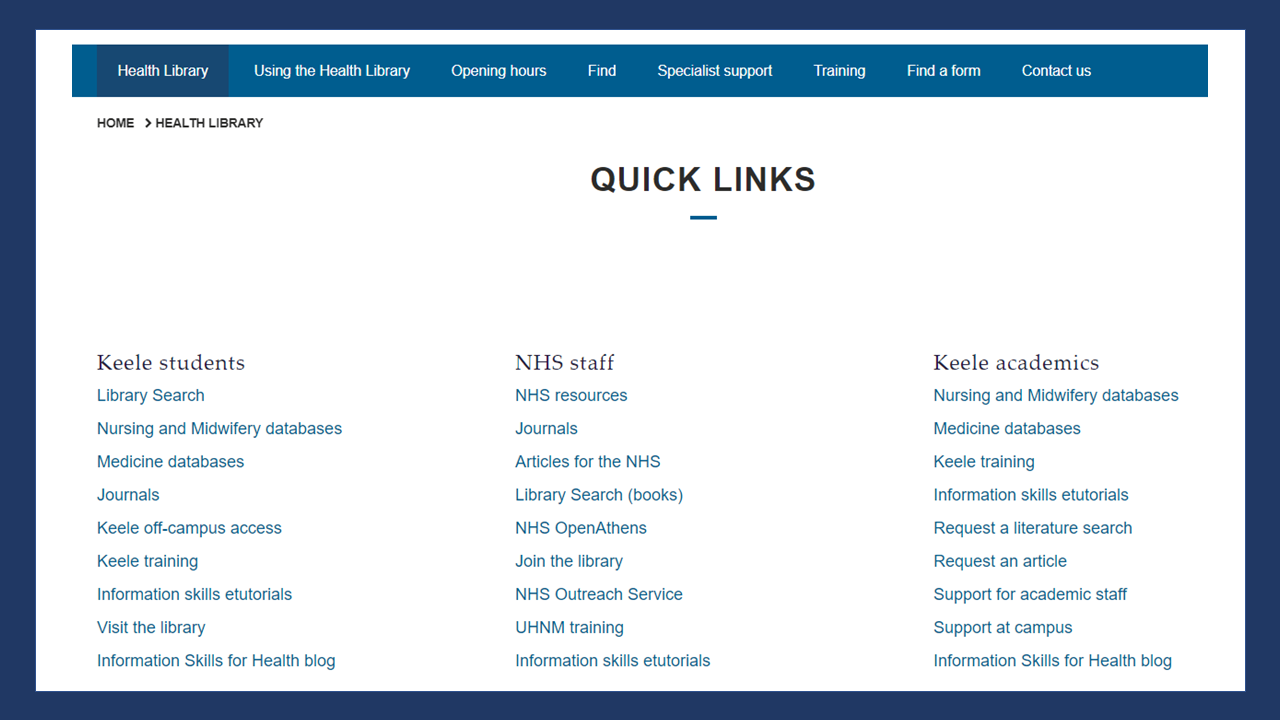
Quick Links lists on the Health Library home page

Access the Health Library website

The Health Library for North Staffordshire, based at the CEC (Royal Stoke University Hospital) supports Keele University healthcare-based staff and students as well as NHS staff working for our partner organisations.

The Health Library website is freely available online. You can find information about our facilities and services as well as links to access our specialist healthcare resources.

Need more help?

Please contact the Health Library for any help accessing Health Library facilities, services and resources.

Comments

Popular posts from this blog

How to find a Keele eJournal on Library Search?

Library Search includes an A-Z list of the ejournal collection available at Keele University. Note that NHS-subscribed ejournals are not available via the Library Search interface. There are a number of different ways to look for Keele ejournals on Library Search. This blog post will just give you one simple route. 1. Start at the Library Search home page. Click the more option on the top menu bar – this is represented by the 3 dots The top menu bar includes the more option represented by 3 dots 2. Select the Keele eJournals A-Z option. A range of extra options are presented - choose Keele eJournals A-Z 3. Keele eJournals A-Z search interface. You are then presented with the Keele eJournals A-Z search interface, You can either browse through the titles available alphabetically or enter your journal title into the search box and click search. Screen-shot of the Journal search interface, including an alphabetic list In this example I have en...

Health Literacy Awareness Training - new dates available

 Are you communicating in the best way with your patients? This session on Health Literacy awareness will introduce you to the concept of health literacy; consider the impact low health literacy can have on your work, your patients, and the NHS; and explore practical methods that can be used to help improve health literacy and the patient experience. This is a 1 hour interactive session delivered online. New dates are available: Monday 14 September 10.00 – 11.00 Tuesday 13 October 12.00 – 13.00 Friday 27 November 14.00 – 15.00 To book a session email: debbie.wyatt@uhnm.nhs.uk

Login to Library Search – step-by-step instructions for NHS staff

  Library Search is a discovery tool, allowing you to find items within the library collections. You can search Library Search without logging in to view books and ebooks available in our collections. By logging in to your library account on Library Search you can access a range of additional functionality, such as: Viewing details of your library account Submitting a request to hold a book for you Adding items to your e-bookshelf Saving searches Note that for NHS users logging in to Library Search does not give you access to full-text items. As an NHS member of staff you access online resources using your NHS OpenAthens username. Anatomy of a Library Card First let’s take a quick look at the most important components of your library card. Your library card and library card number give you access to print resources as well as library services. They confirm that you are a member of the library. Your name : this will be printed on your card, so you’ll know it’s yours!...